Videopixel New

Videopixel

A video editor on your PC: timeline, Whisper captions, screen recording, AI hub and export for Reels, TikTok, Shorts and YouTube.

Current version: V. 1.0.0.0
From audio to a finished clip, on your computer

Videopixel edits, captions and exports without uploading the project to a third-party cloud. Whisper, cuts and the final file stay on your machine.

About the software

Last update: September 25, 2026.

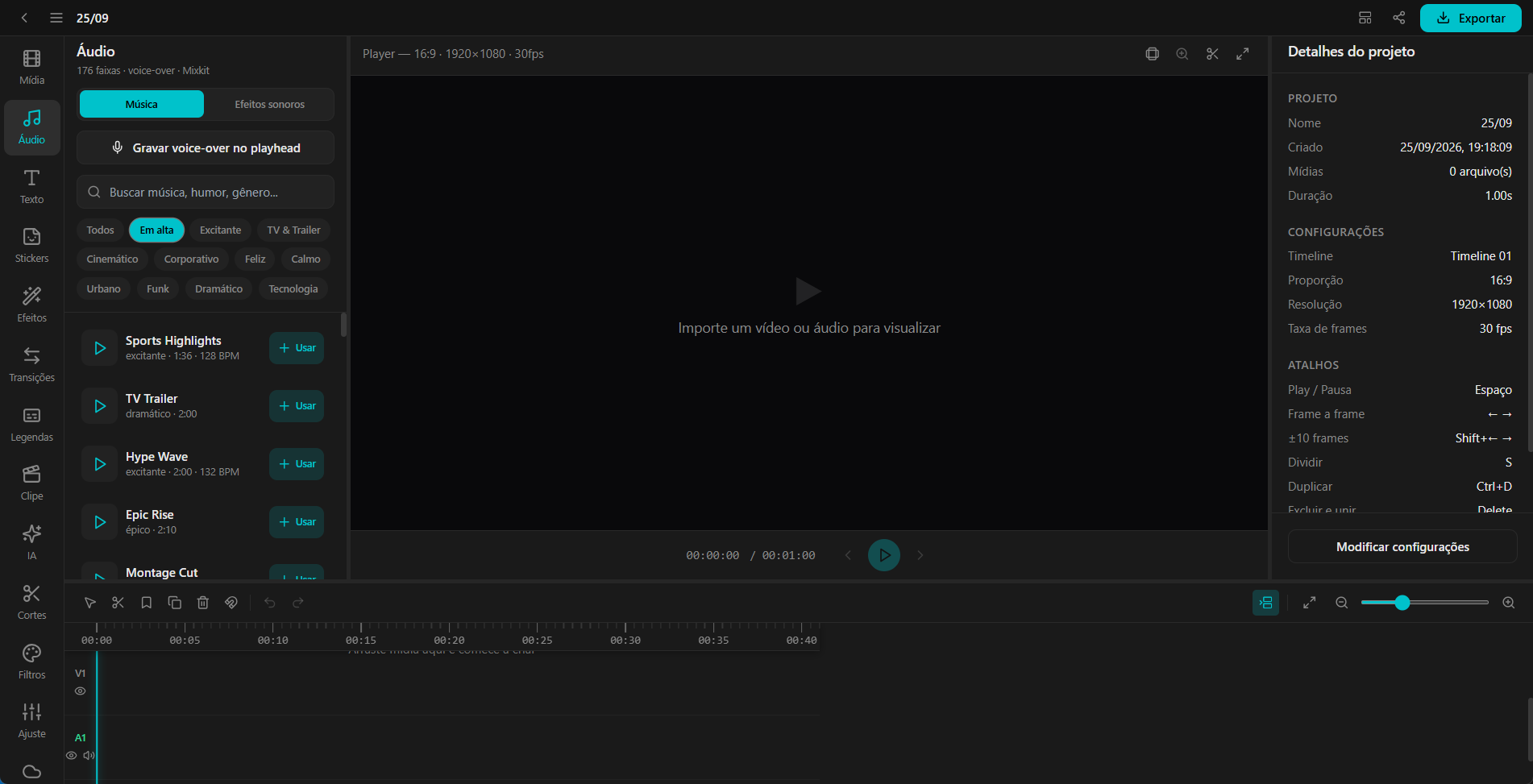
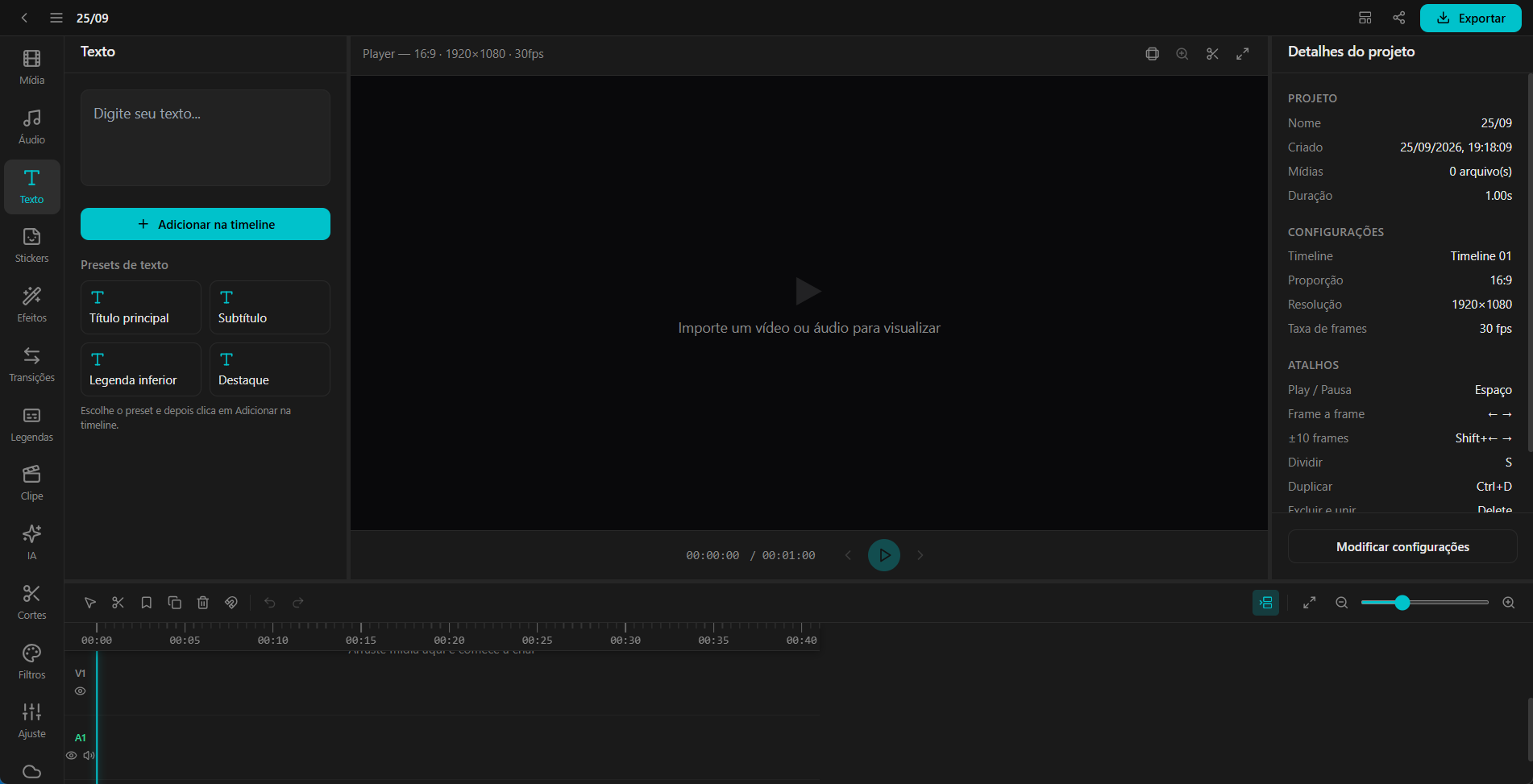
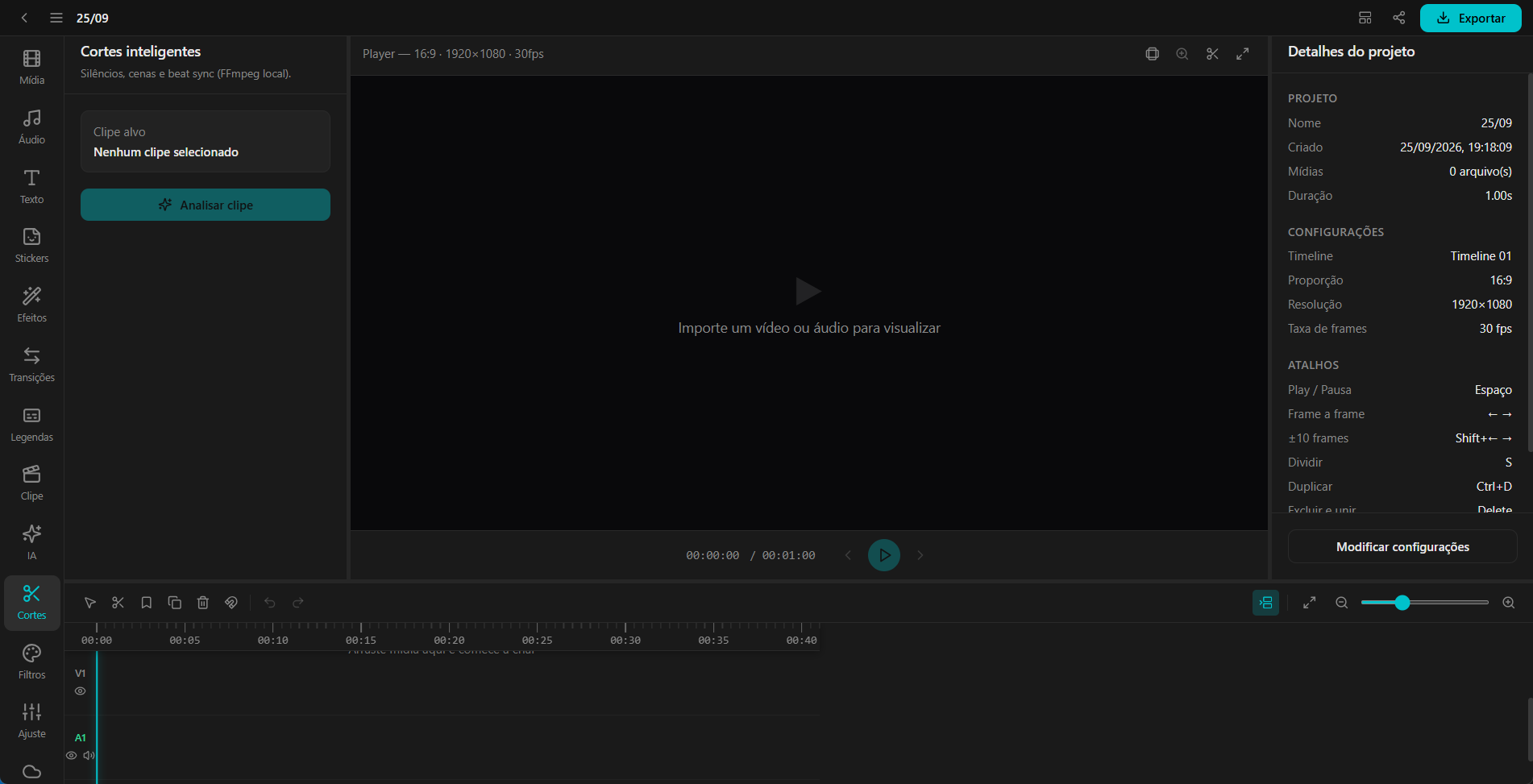
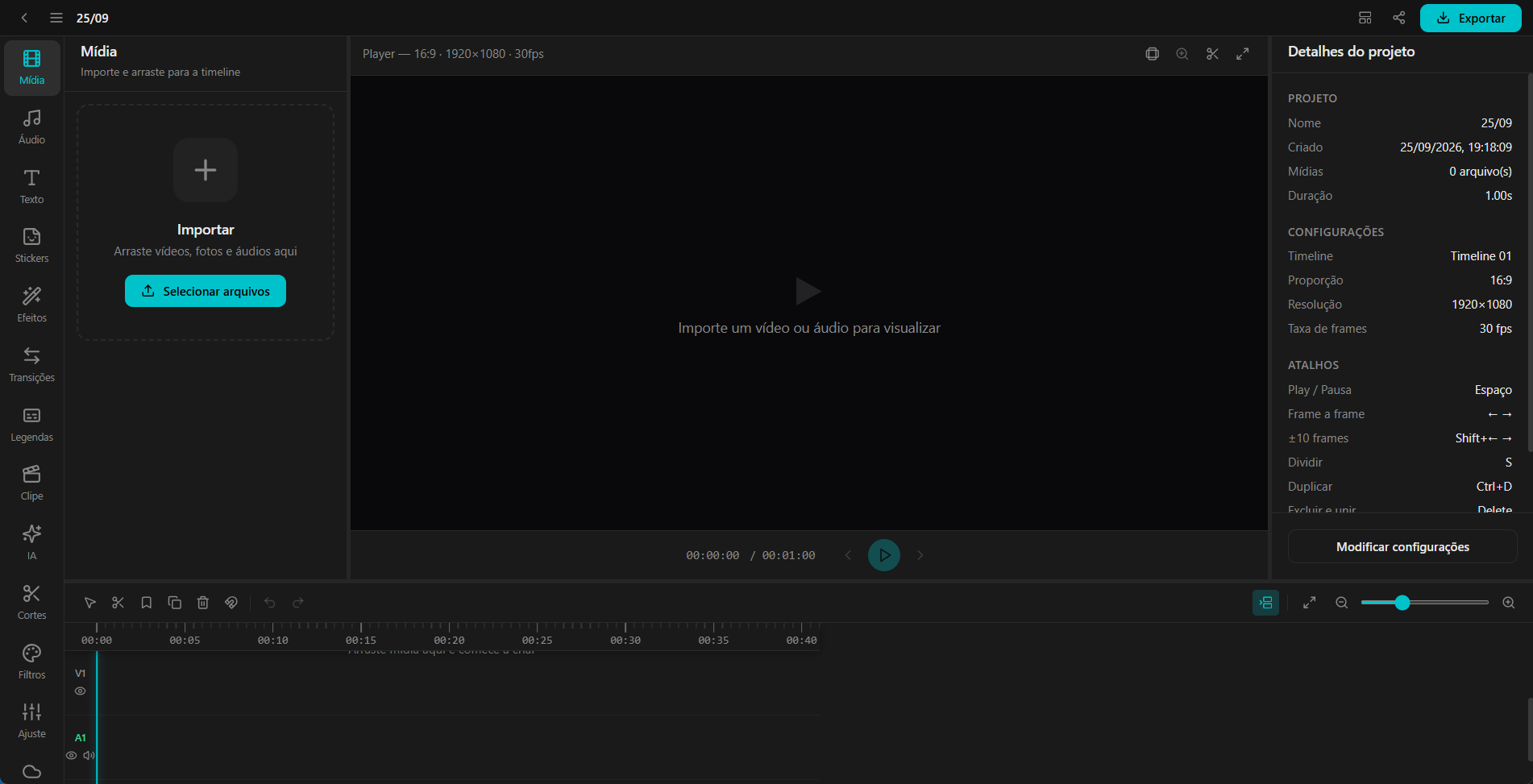
Videopixel is Top Active X’s video editor for Reels, TikTok, Shorts and YouTube. Import media, build the timeline, record the screen with a webcam PIP, generate captions, remove pauses and export MP4 — processed locally.

What you can do

Editor

  • Timeline with video, overlays, text and two audio tracks. Cut, trim, copy and paste, duplicate, markers and volume curves.
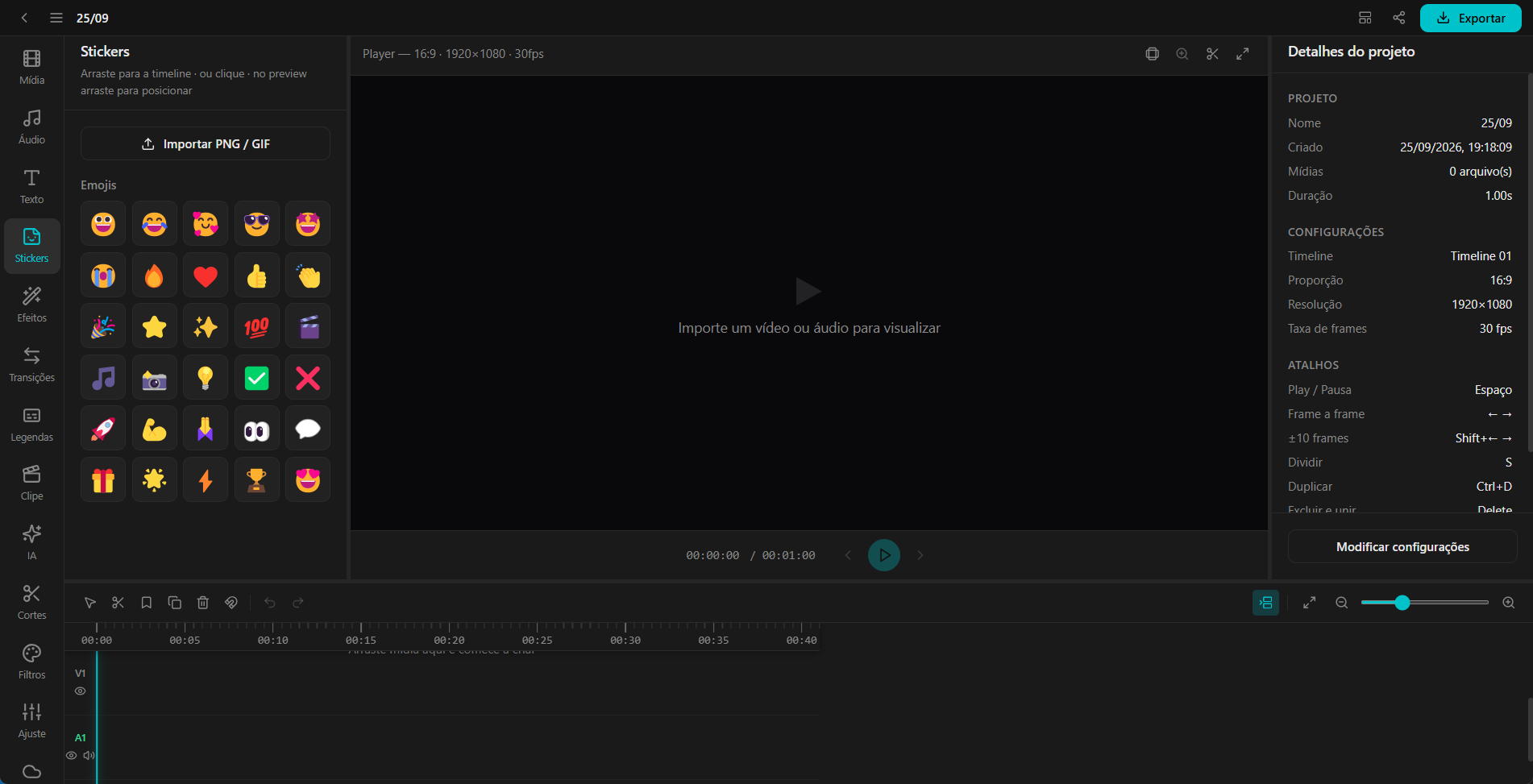
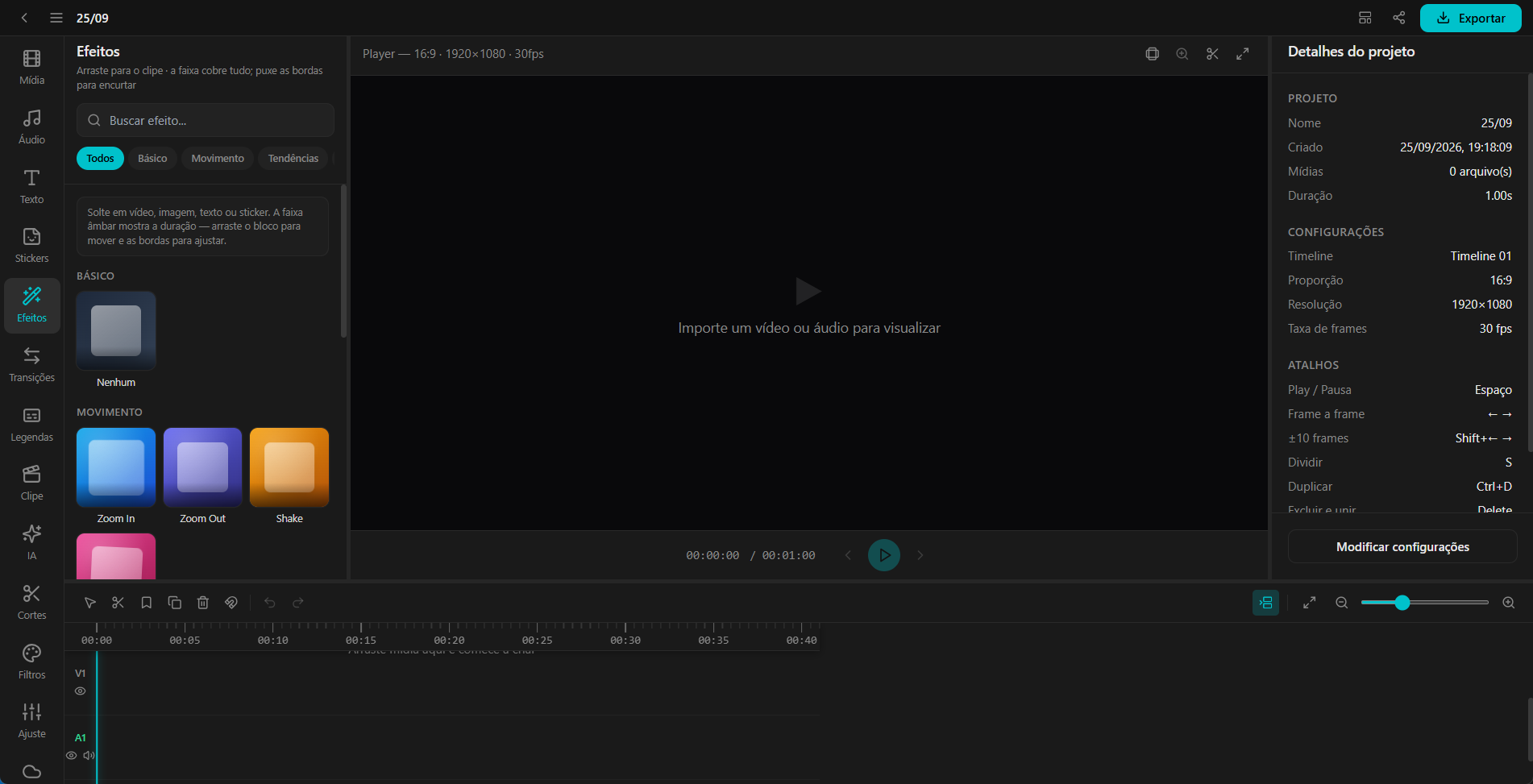
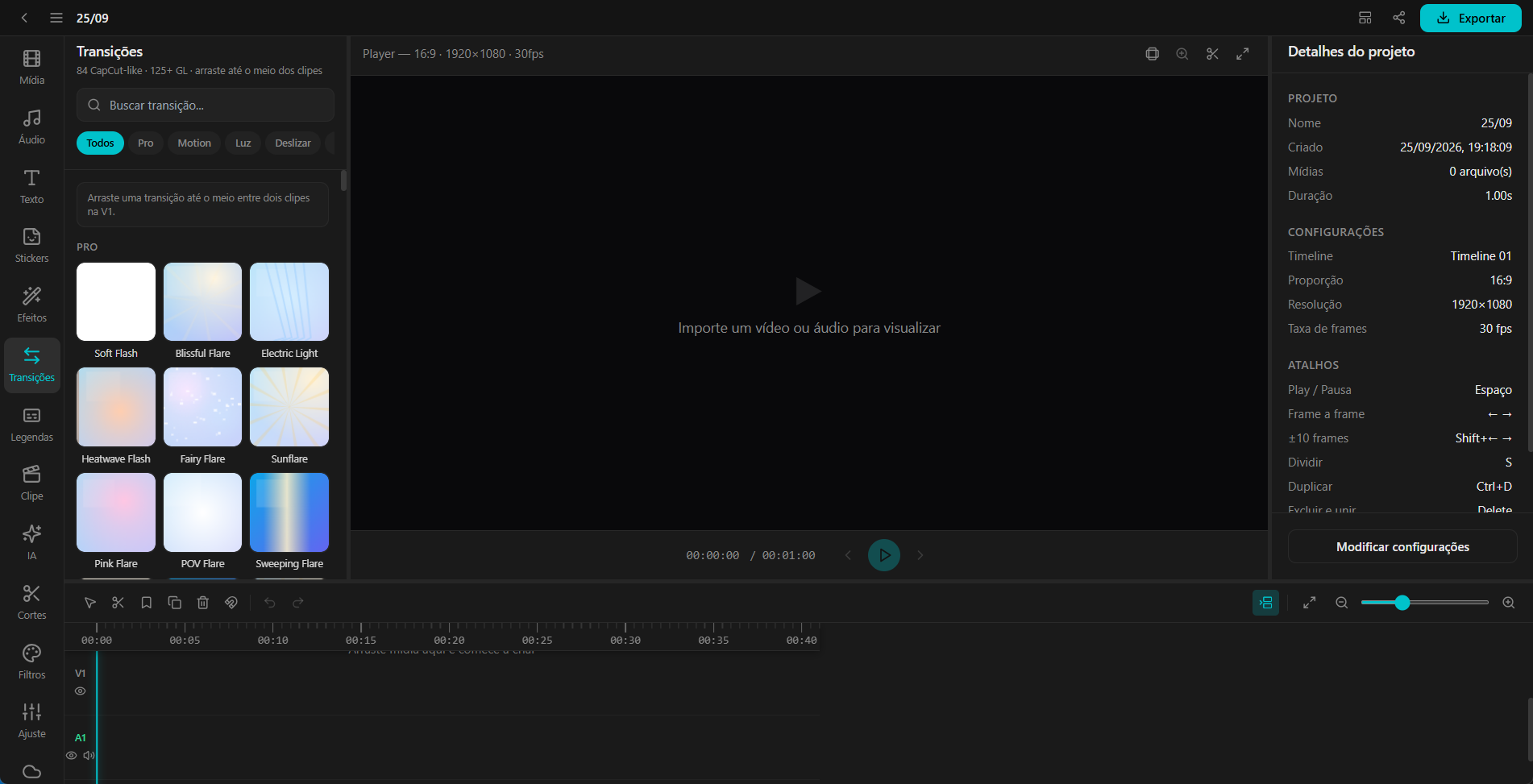
  • Text, stickers, effects and transitions in the preview, plus keyframes and Fit or Fill framing.
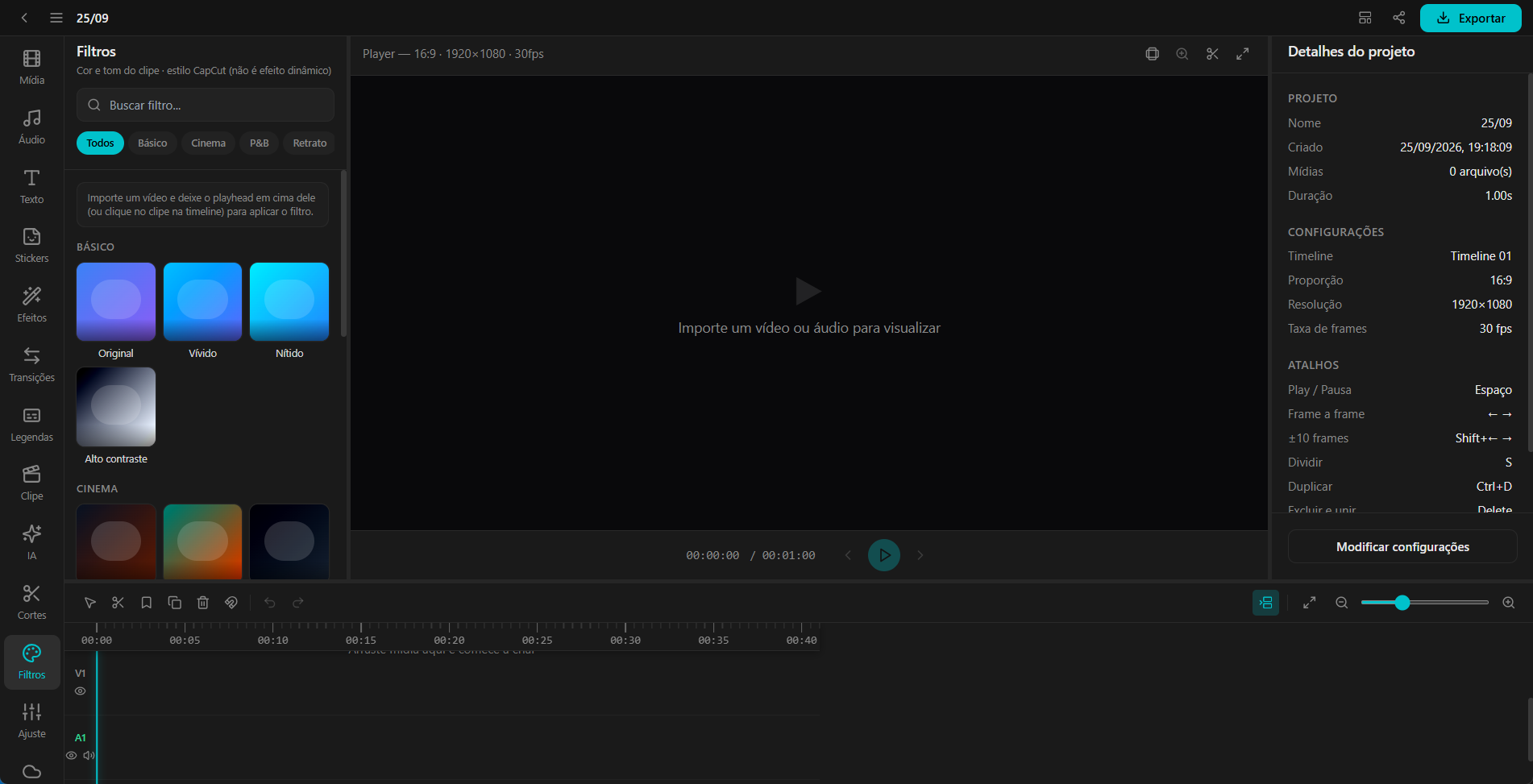
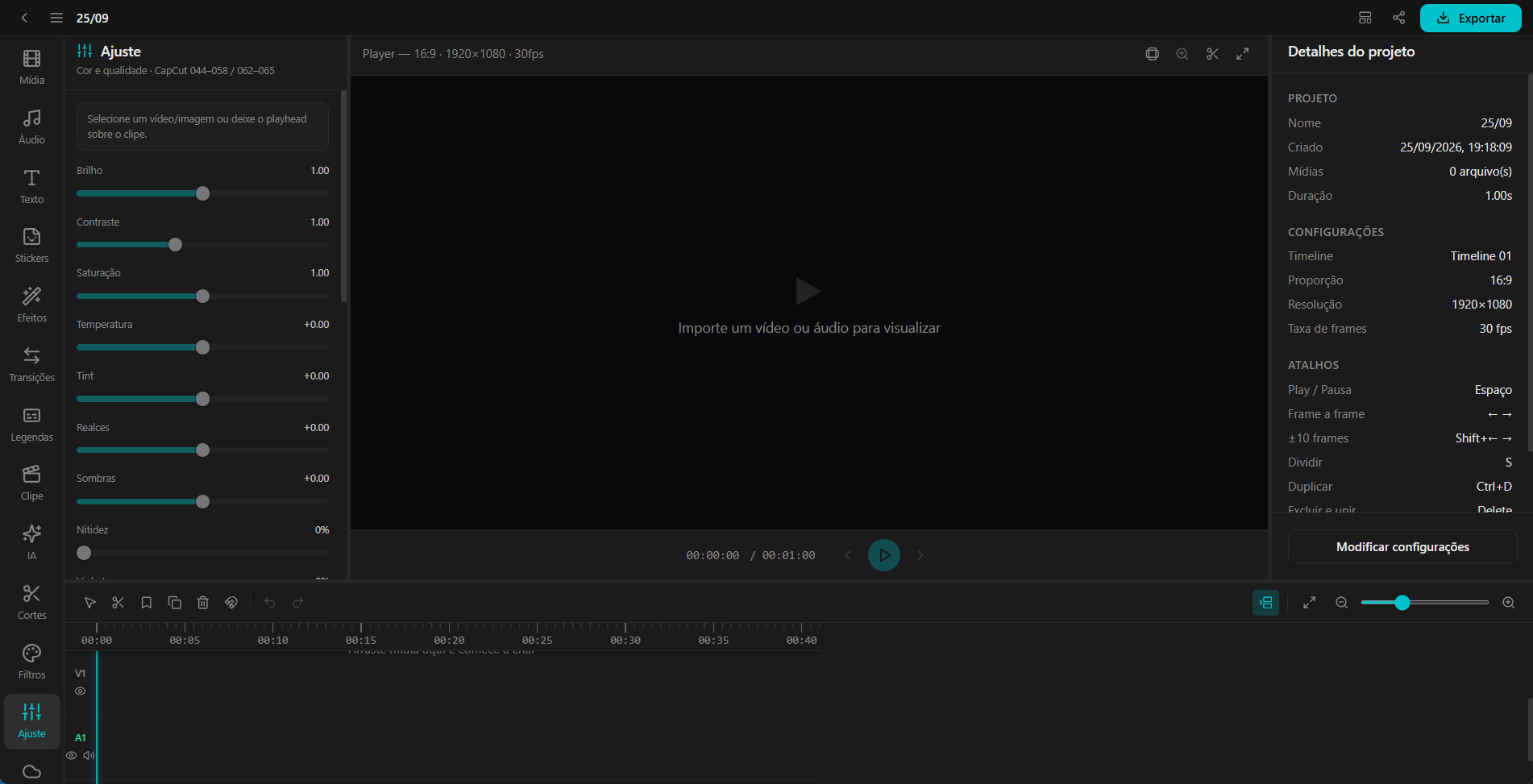
  • Color: brightness, contrast, temperature, curves, HSL, LUT, mask, chroma key and stabilization on export.
  • Audio: volume, fades, EQ, denoise, normalize, voice enhance, wind, echo, sound effects and auto duck under speech.
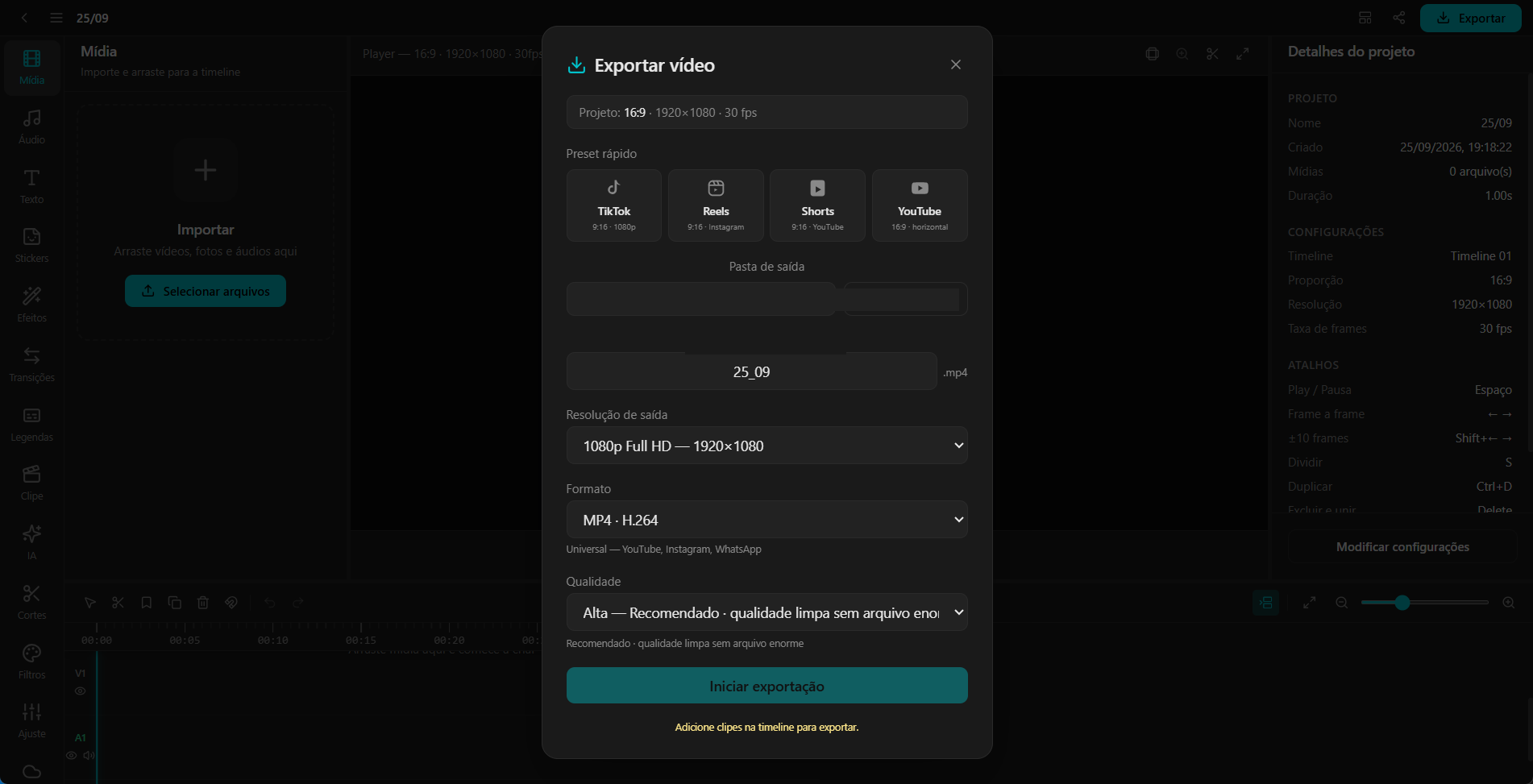
  • Export presets for TikTok, Reels, Shorts and YouTube, or audio only.

AI and recording

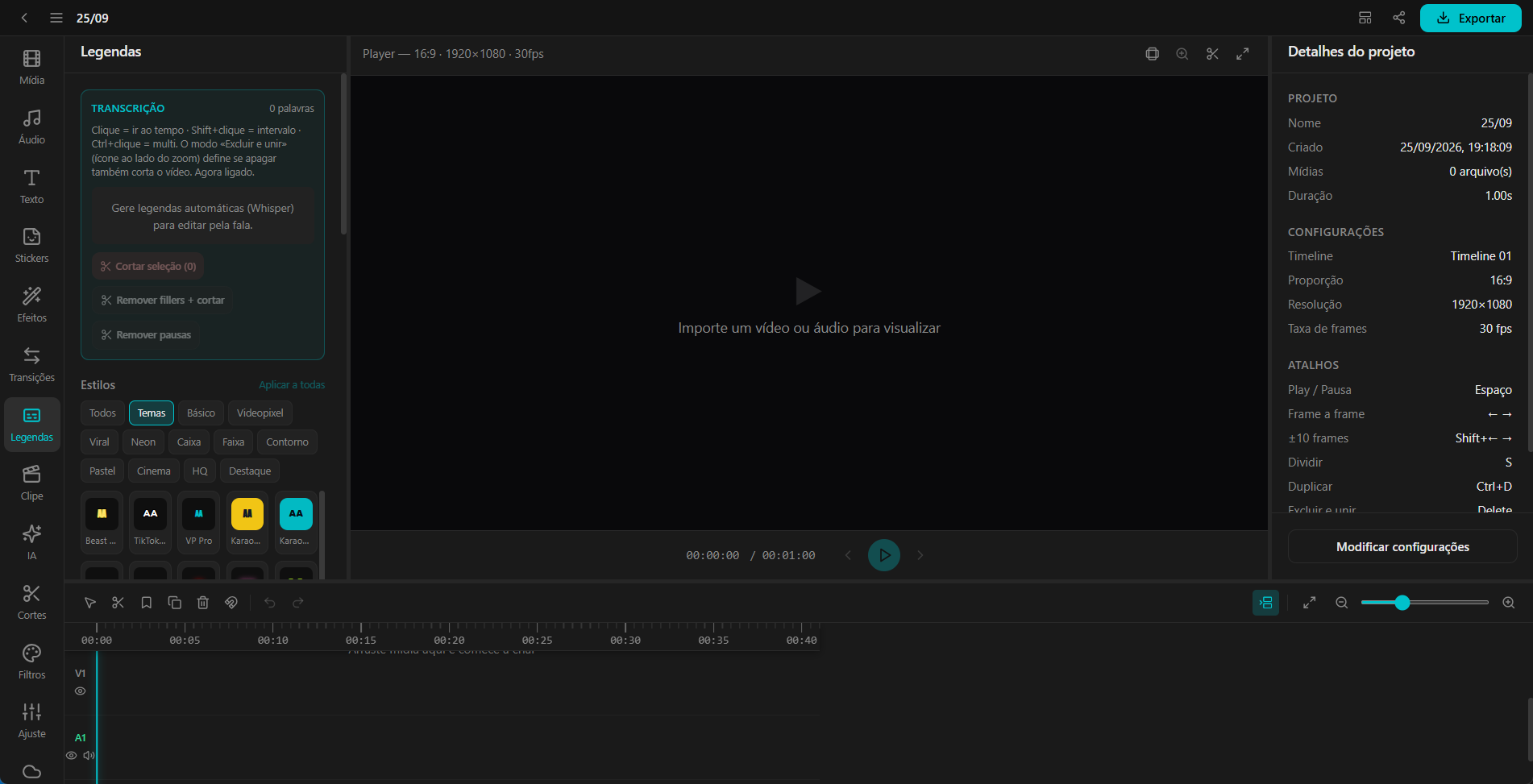
  • Whisper captions, word editing, karaoke, translation, filler removal and pause removal.
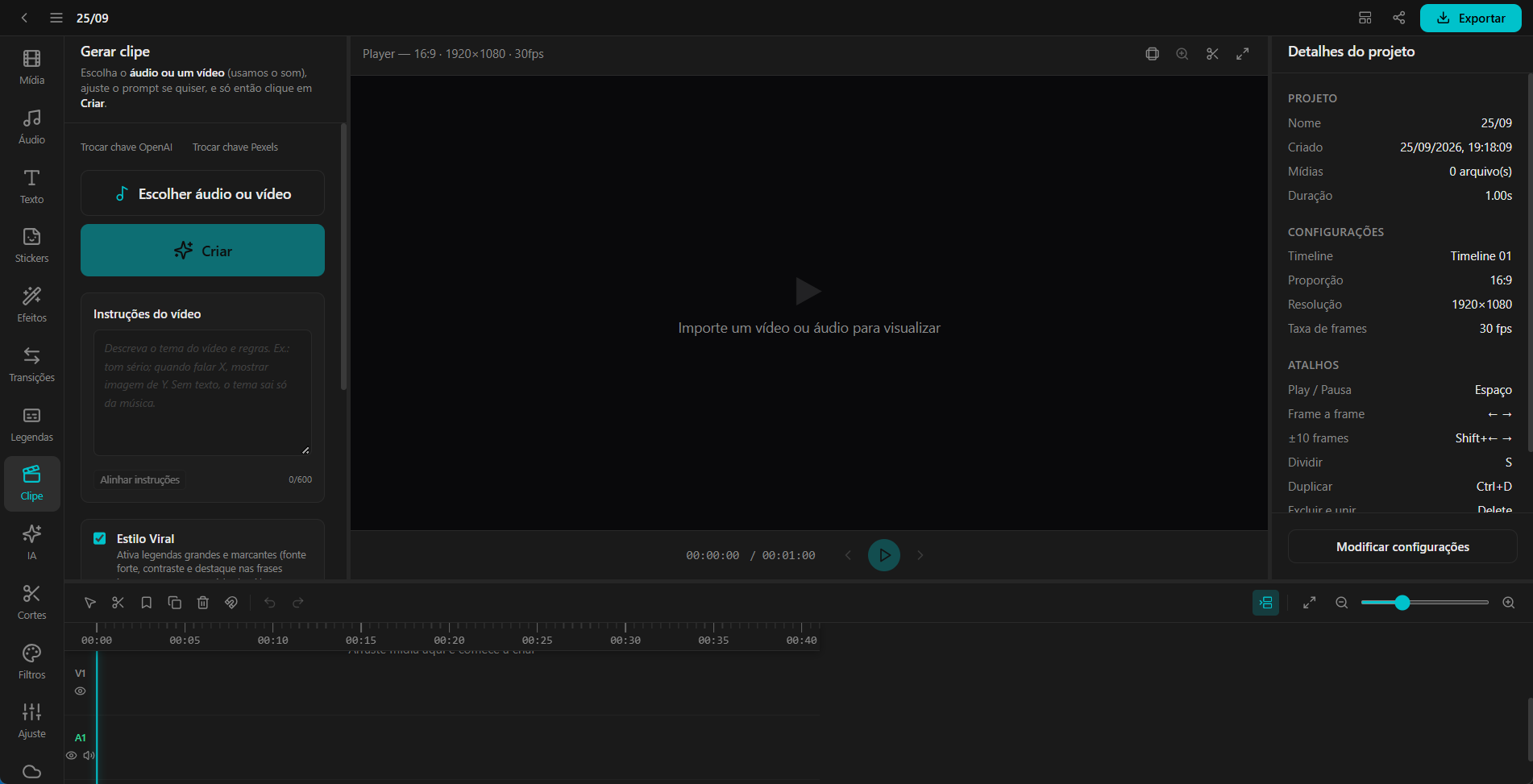
  • Generate clip: audio becomes scenes and captions you can review.
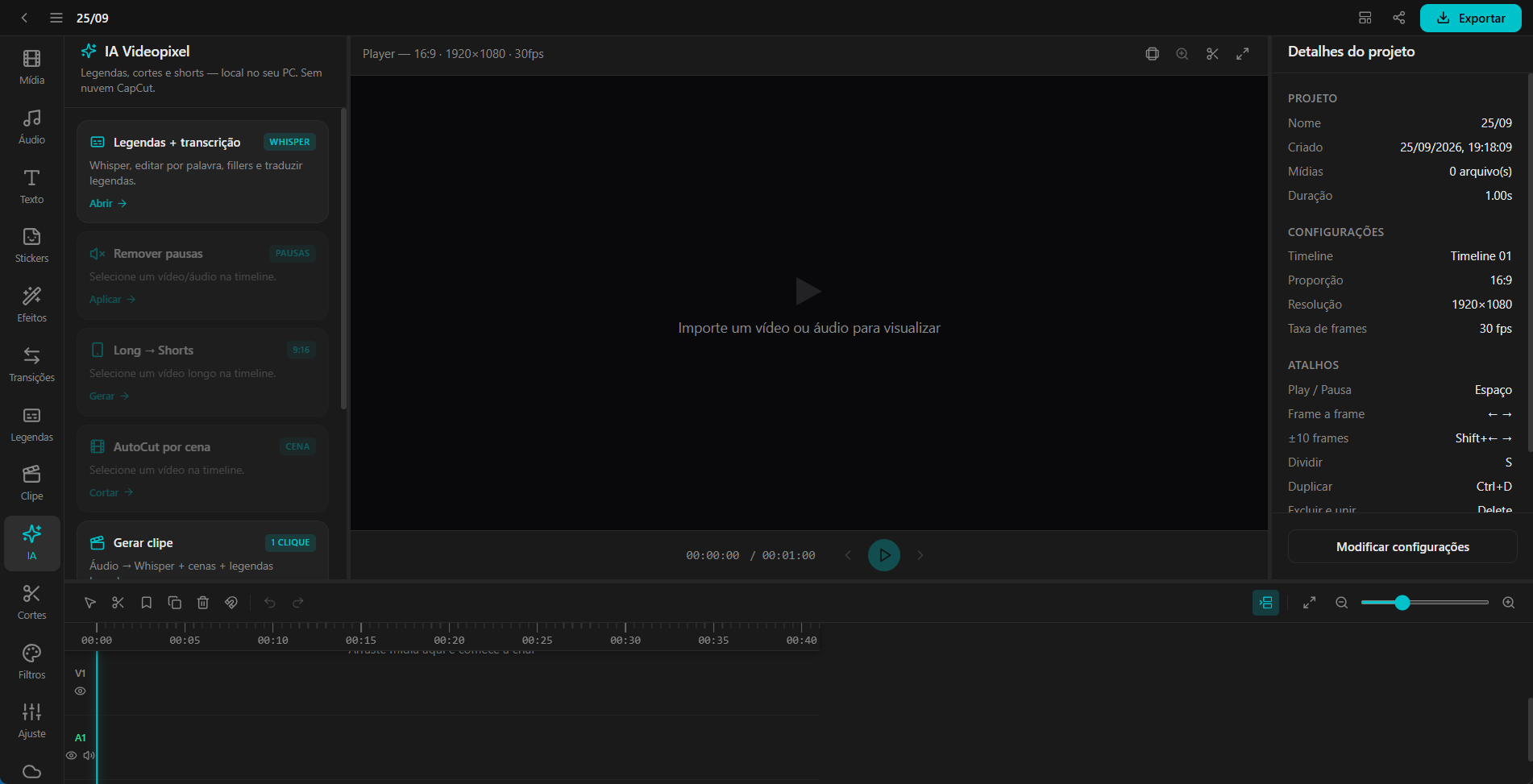
  • Long → Shorts: about a 45-second highlight in 9:16. Ctrl+Z restores the previous format.
  • Scene AutoCut plus silence, scene and beat analysis.
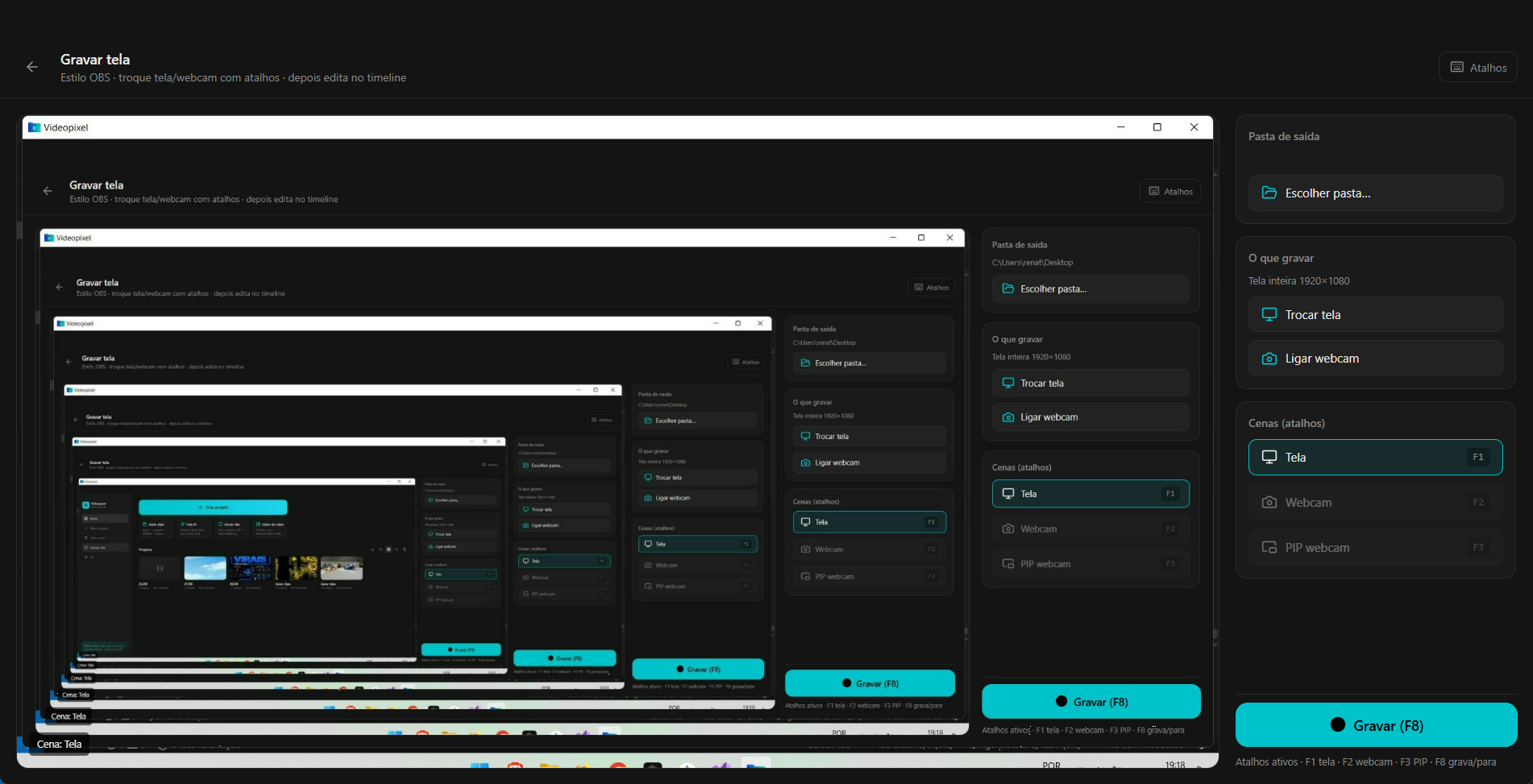
  • Screen recording: display, webcam, rectangle or circle PIP, camera zoom and F1, F2, F3, F8 shortcuts.

Videopixel V. 1.0.0.0

Release: September 2026.

  1. Full editor with preview aligned to export.
  2. Screen recording with webcam and PIP.
  3. AI hub: pauses, shorts, scenes and captions.
  4. Product manual with a walkthrough of every screen.

Share this page: